Languages the app and site are translated into
Platforms, iOS and Android, from a single ledger
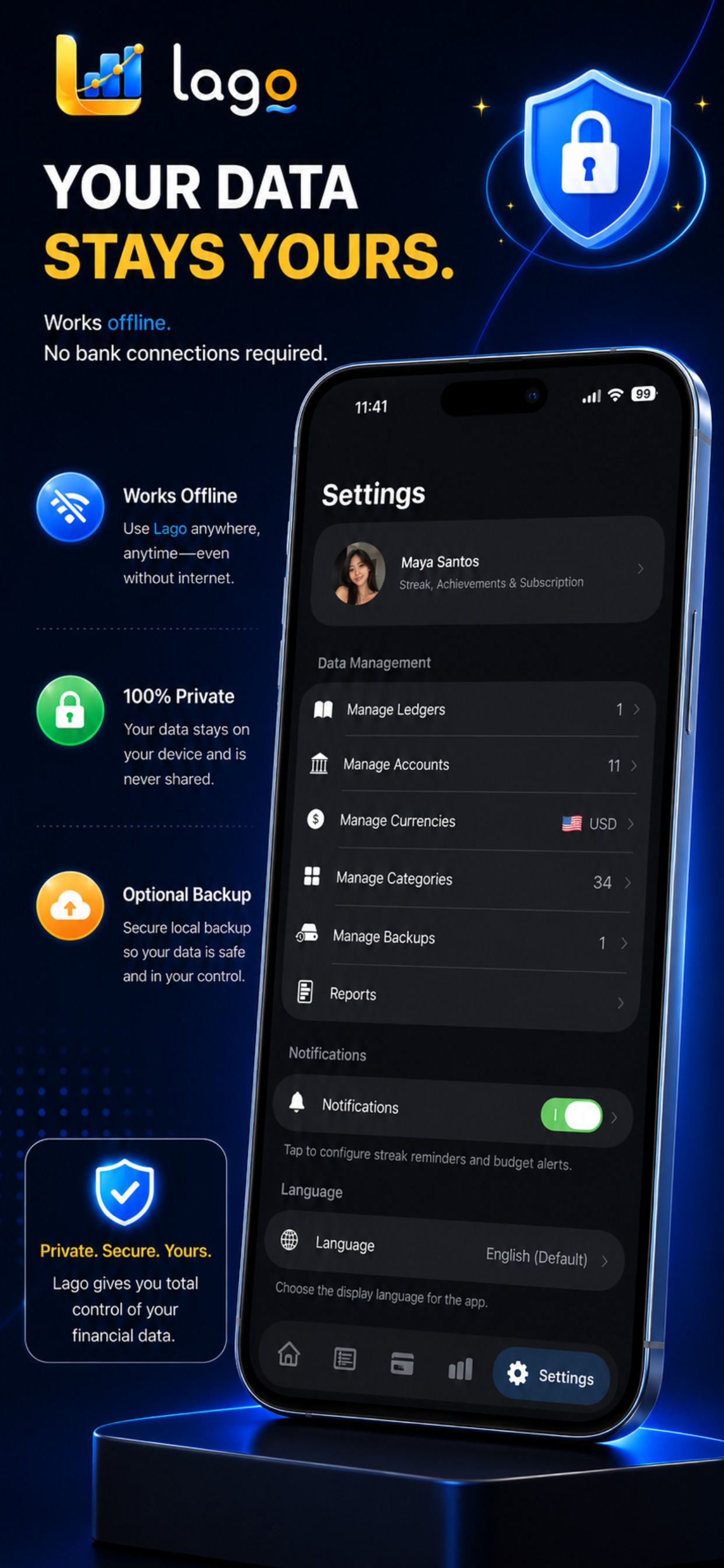
Bank connections required — Lago works offline
Days we normally take to complete a verified deletion request
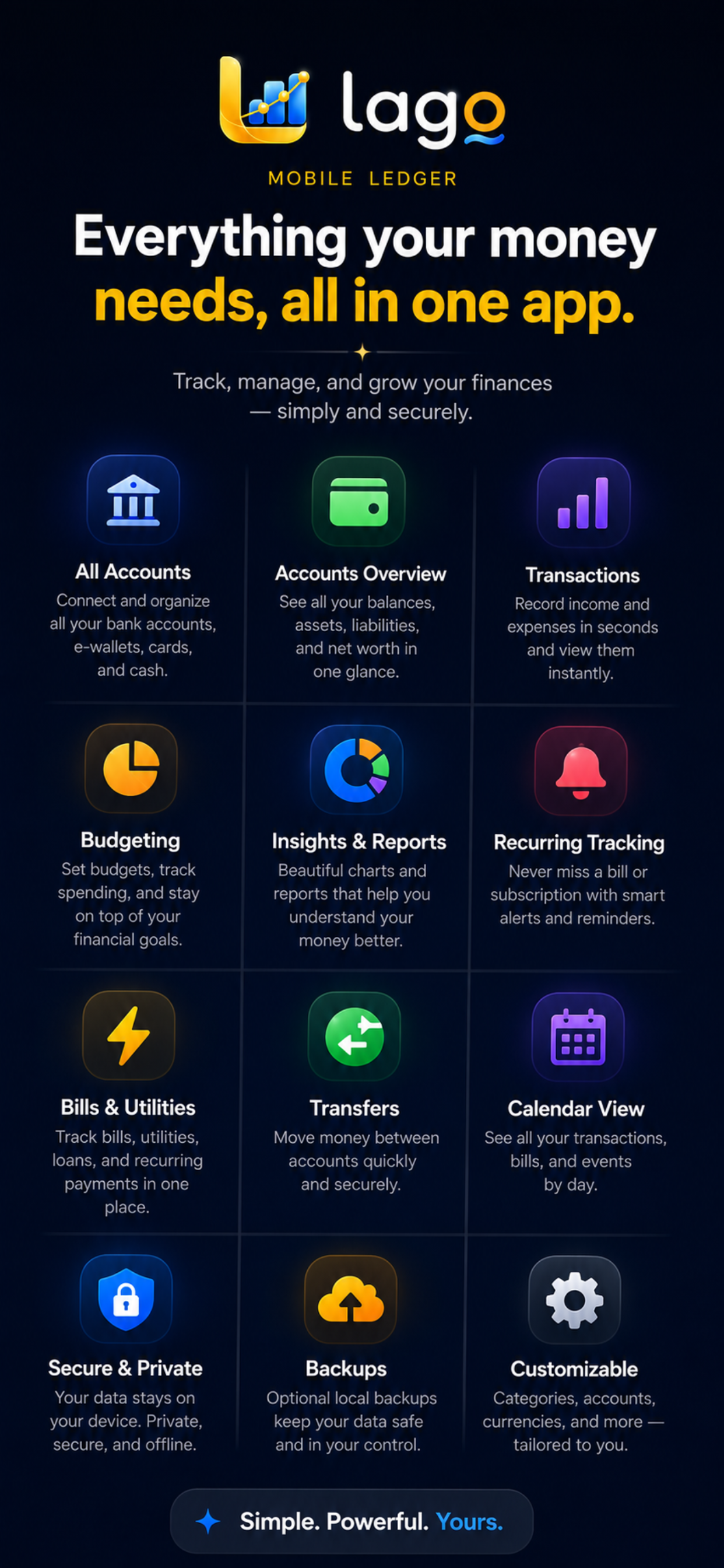
Everything you need to master your money.
Privacy First
Local by default. Optional backups and account-based sync turn on only when you choose them, with no advertising tracking.
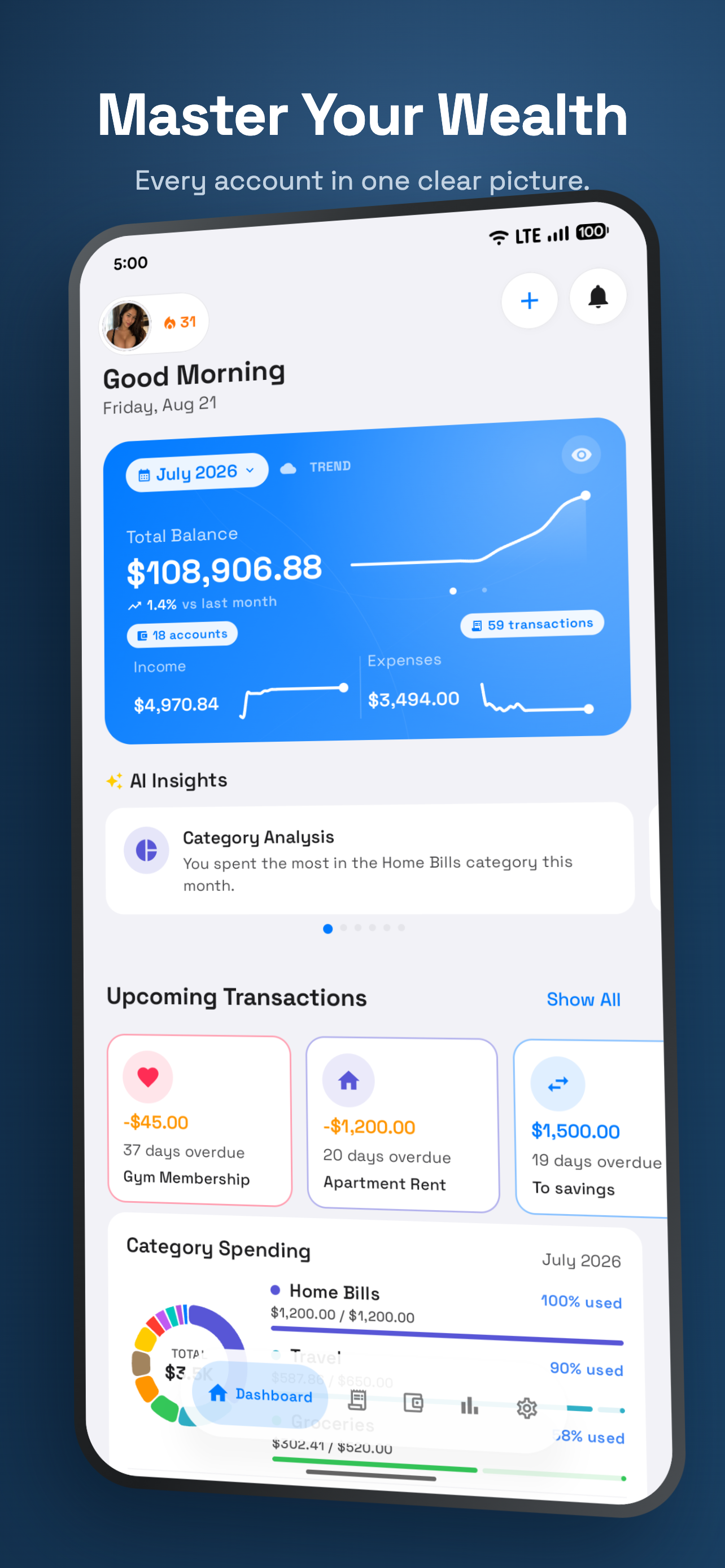
Smart Insights
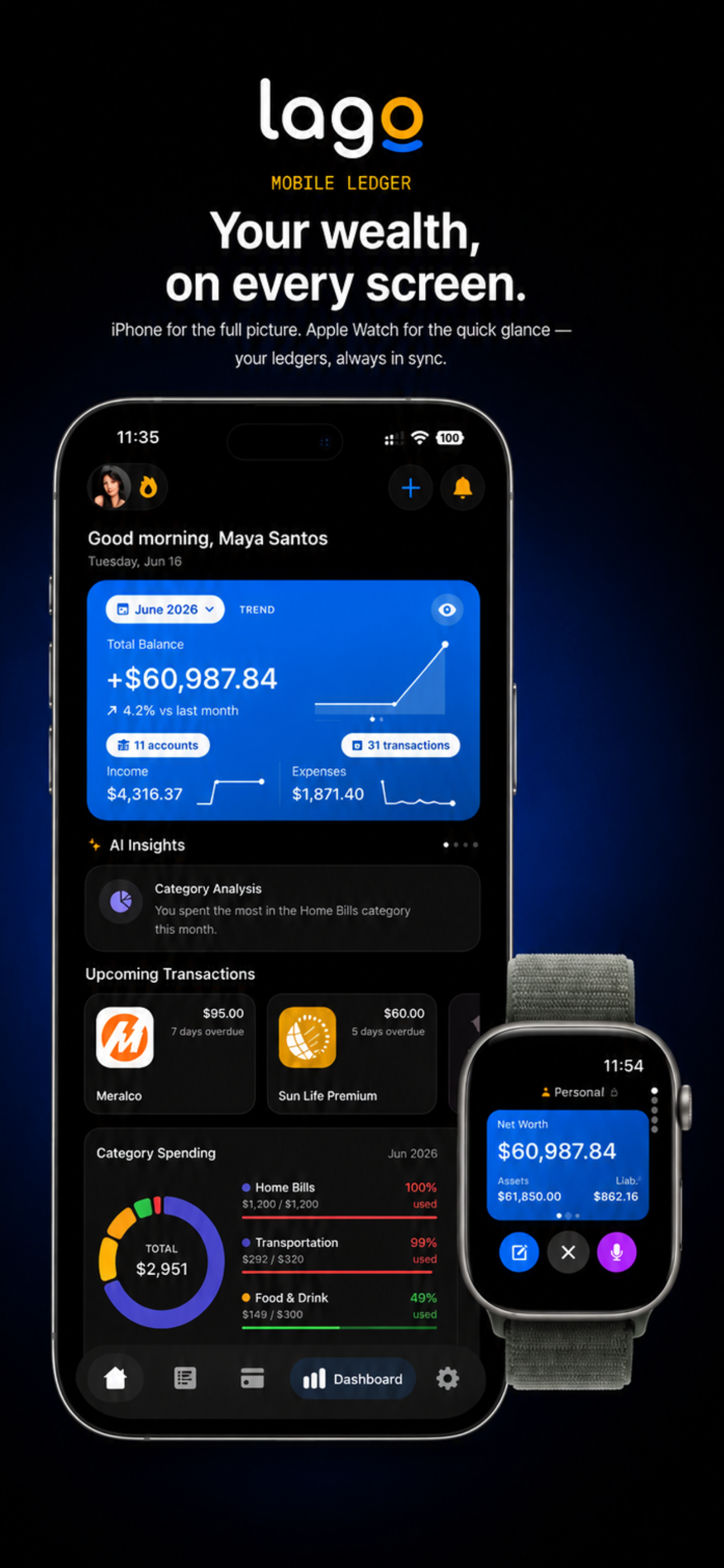
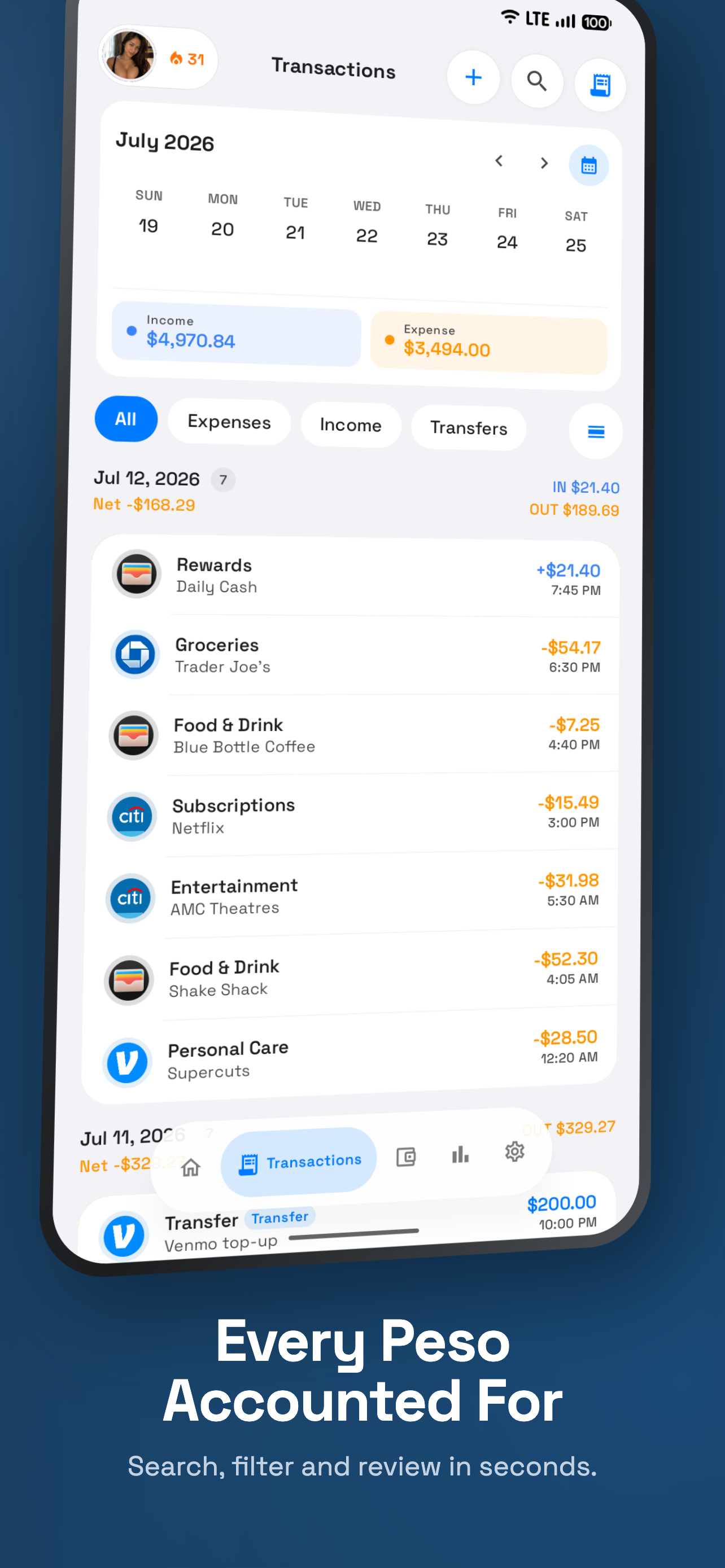
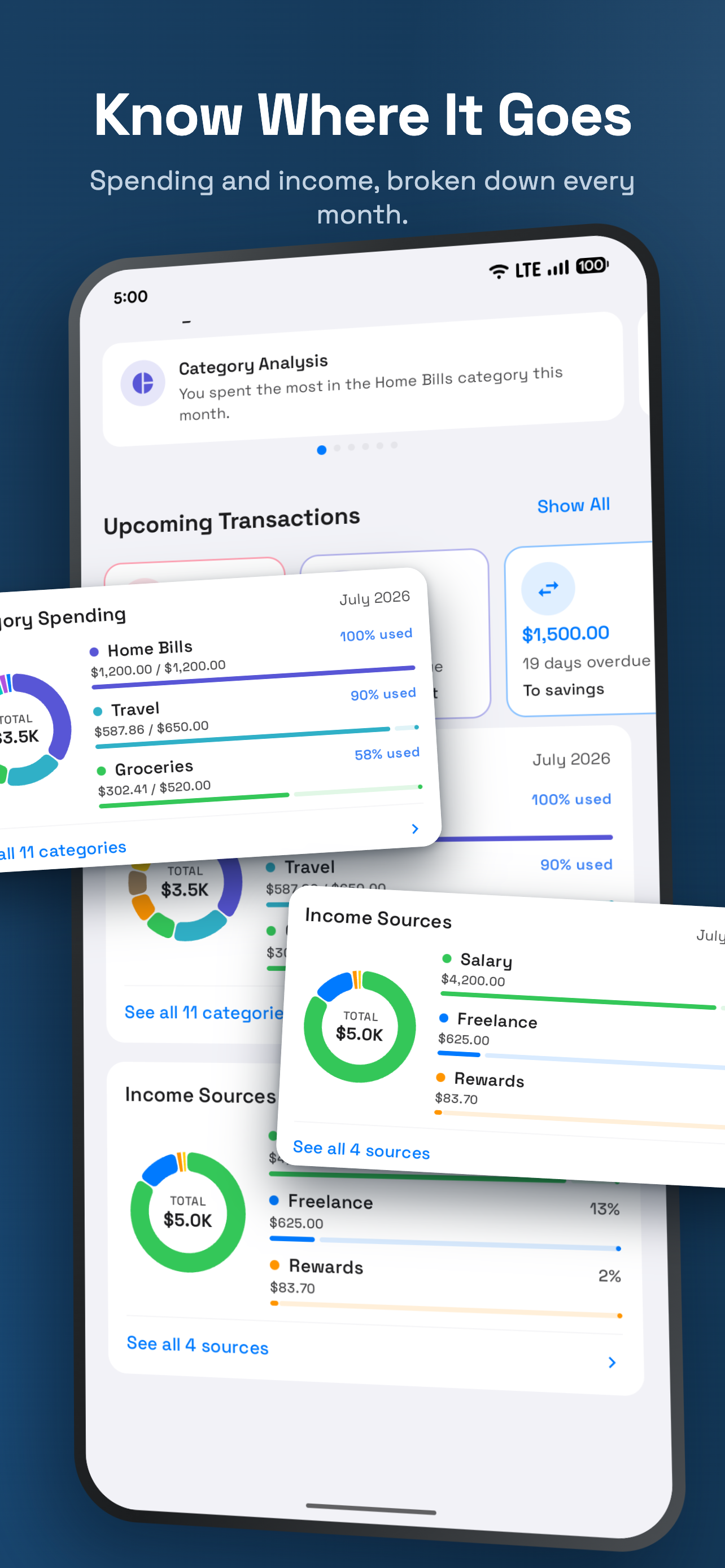
Get a clear picture of your spending habits with automatic categorization and beautiful charts.
Budgeting Made Easy
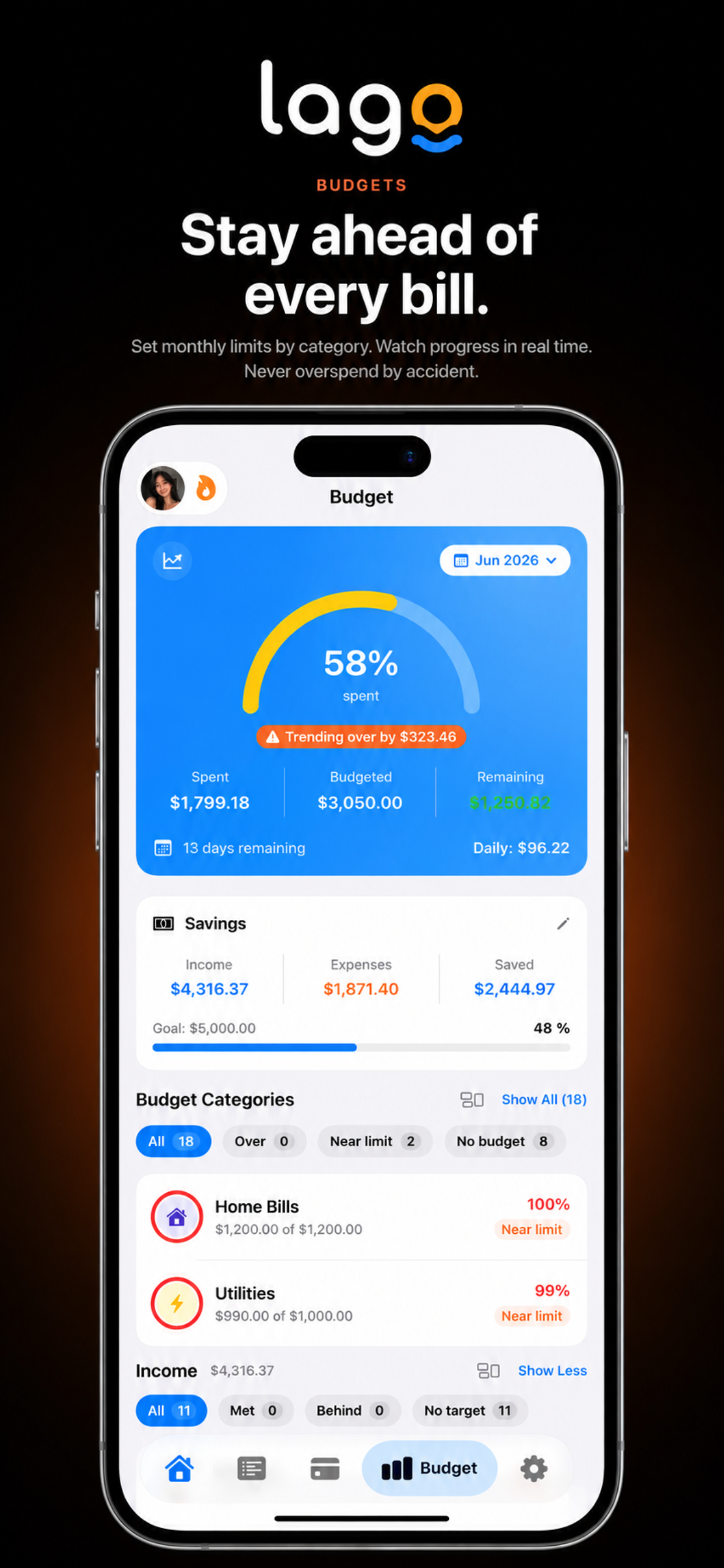
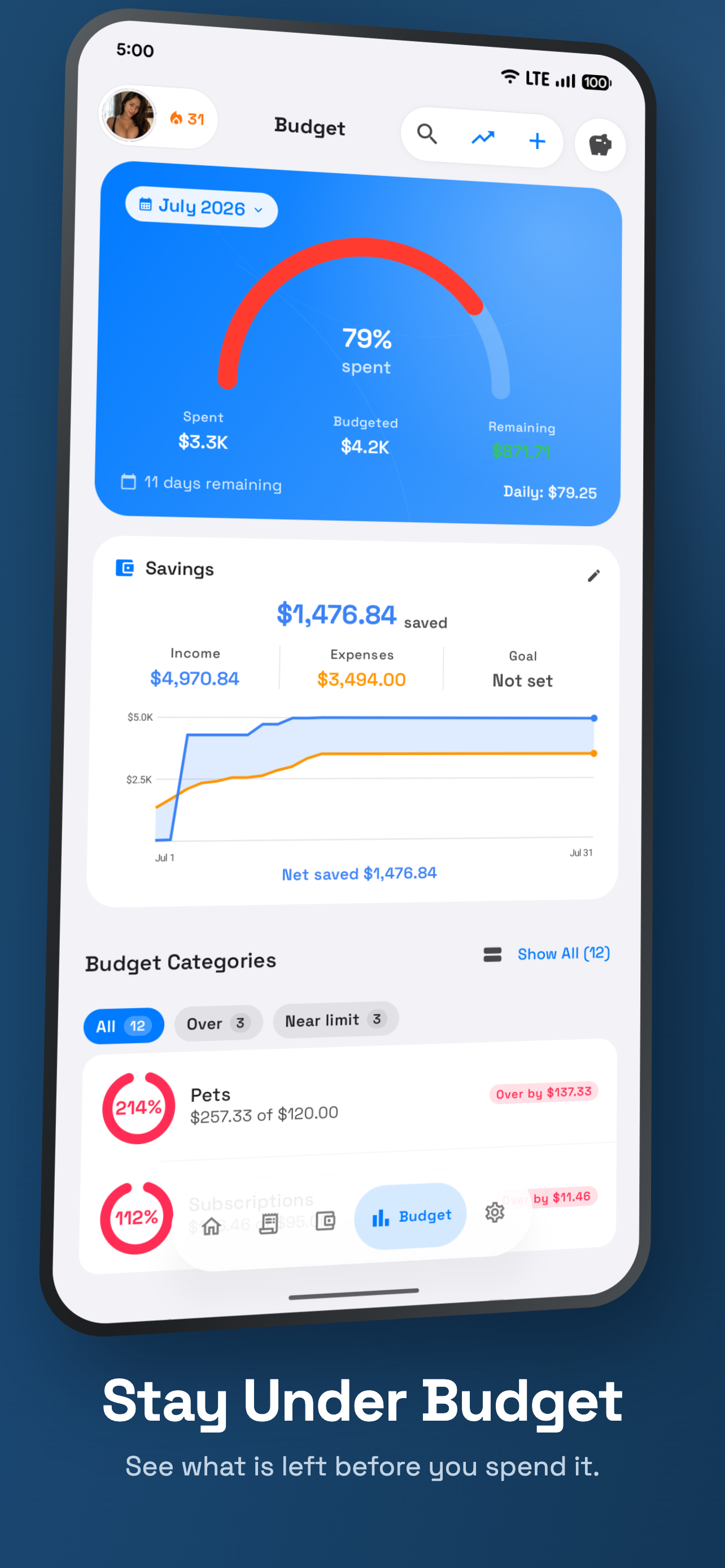
Set goals, track your progress, and stay on top of your monthly expenses with intuitive budget tools.
A beautiful experience, every time.
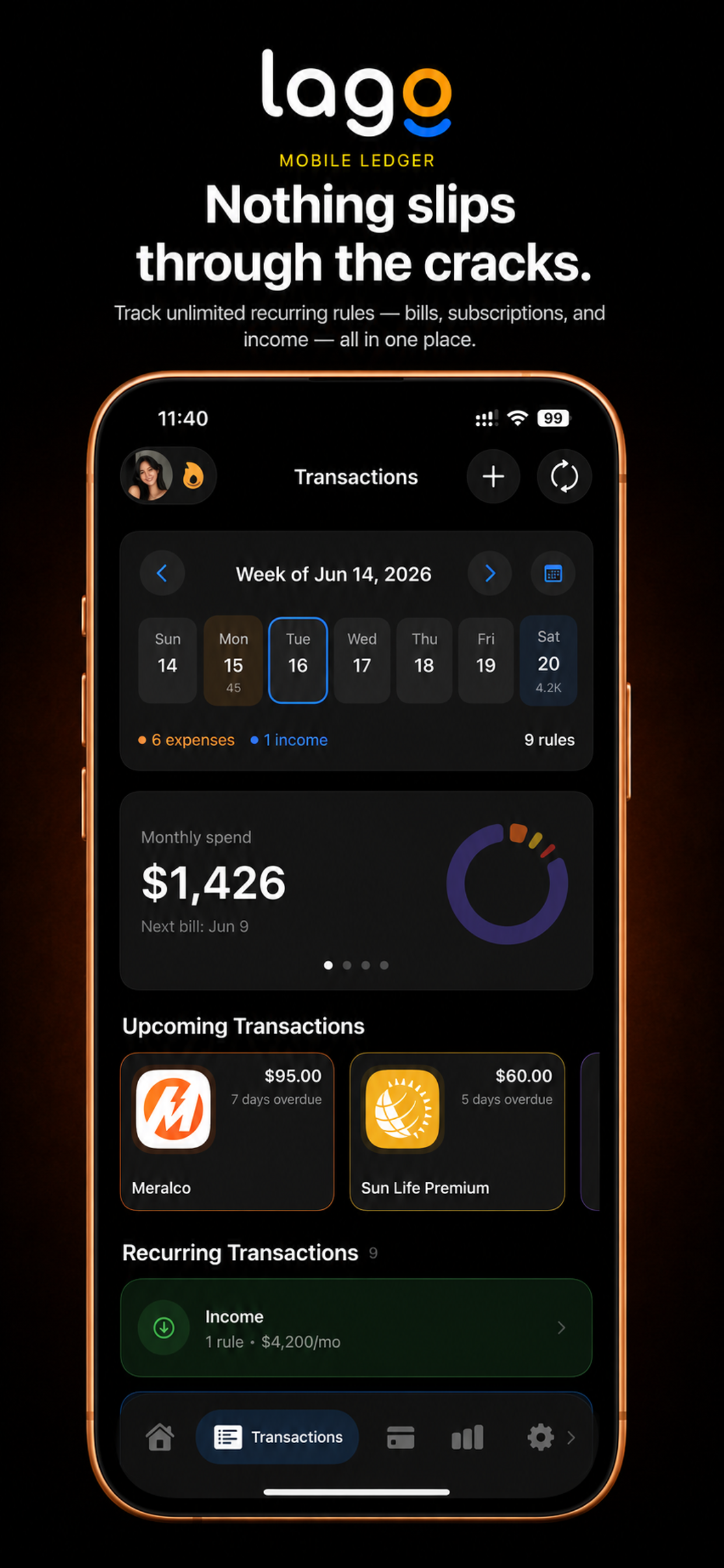
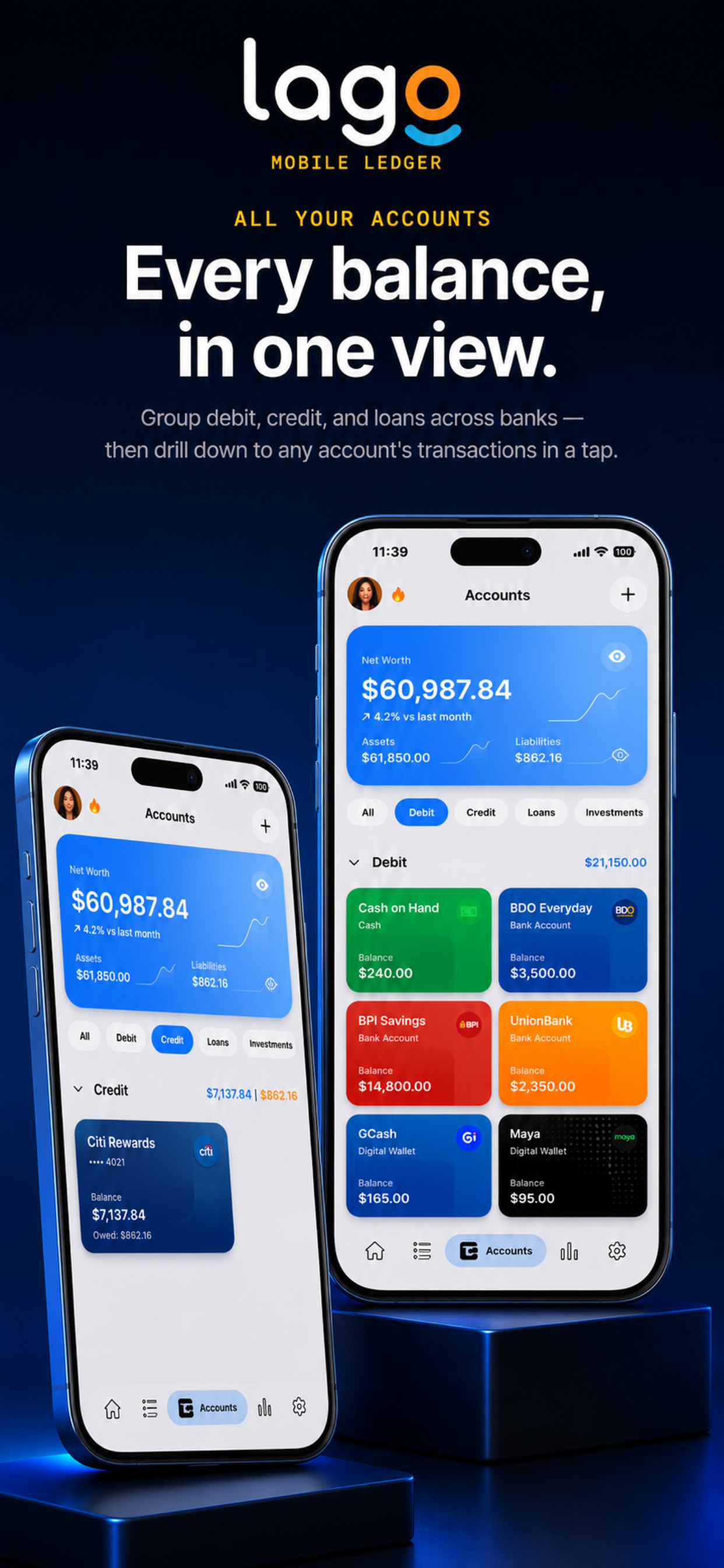
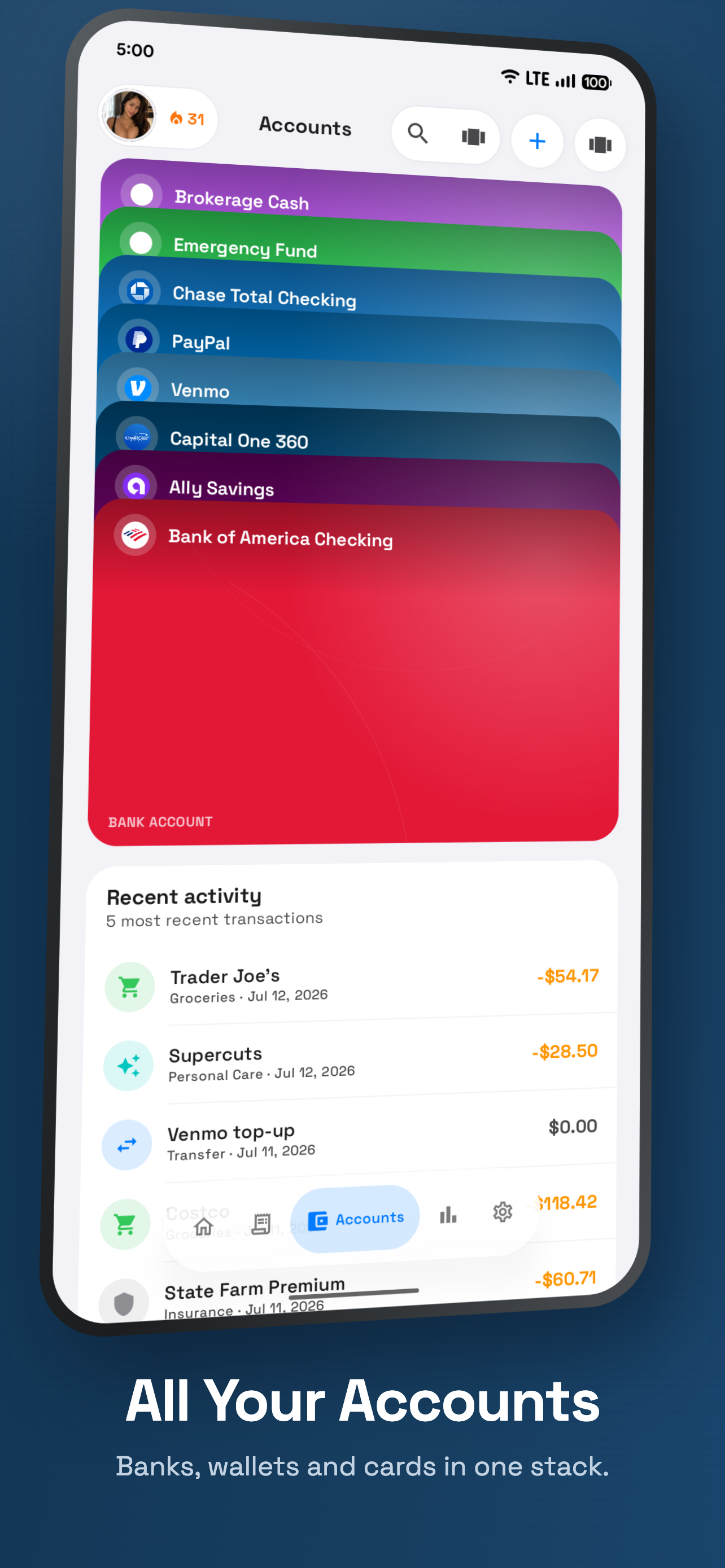
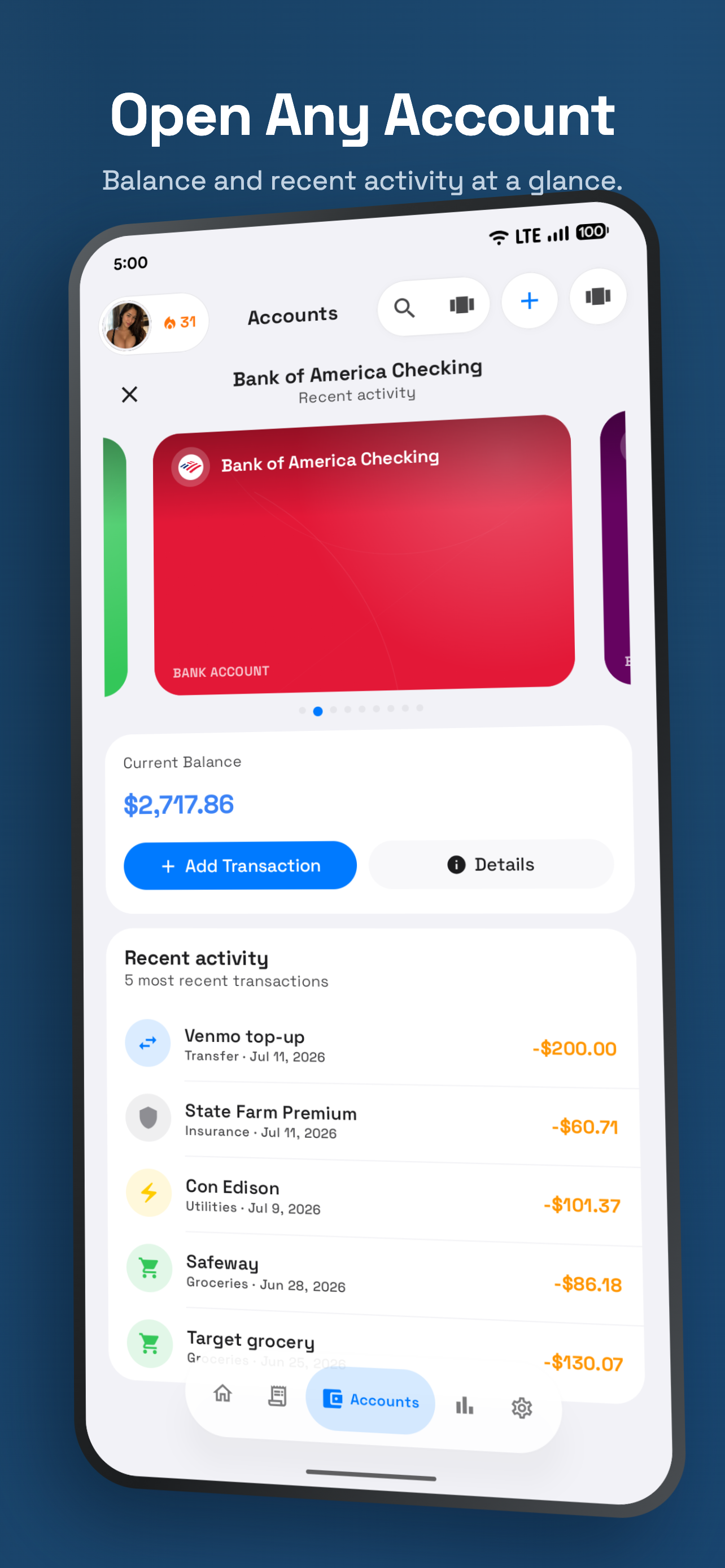
Scroll to walk the app screen by screen, or tap any step to jump.
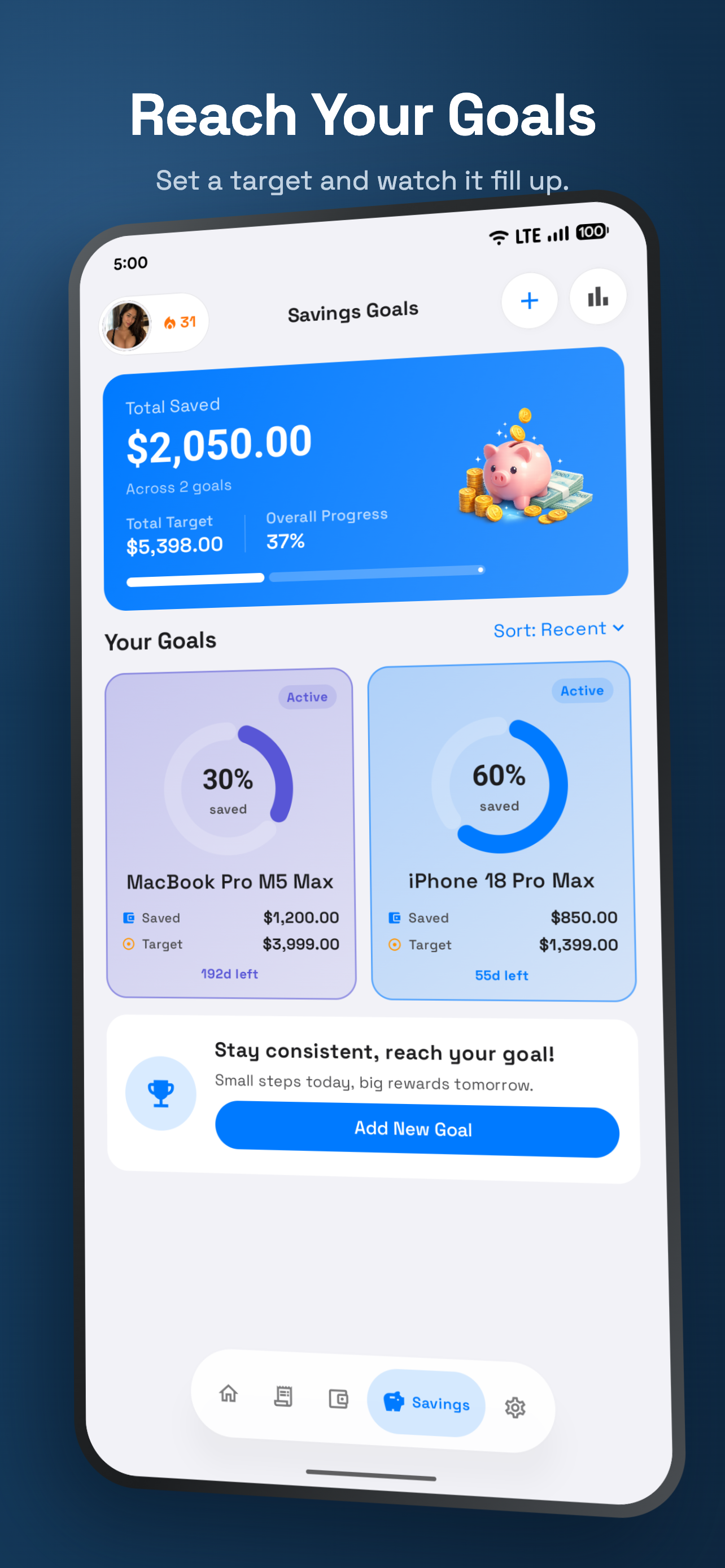
Your ledger stays yours.
Lago works offline with data stored on your device. Everything beyond that is a switch you turn on yourself.
Read the Privacy PolicyFrequently asked questions
On your device by default. If you turn on cloud backup or account-based sync, the data those features need is sent to the provider behind them.
No. Lago never asks for banking credentials and requires no bank connection. You enter transactions yourself, and the app works fully offline.
Yes. Lago is on the App Store and Google Play, and optional sync keeps eligible data aligned across both.
Turning sync off or signing out does not remove data already in the cloud. Submit a verified request on the Account & Data Deletion page.
Start your ledger today.
Free to download on iOS and Android.